
Google Ads agency: how to check that the account is yours (2026)
Before changing agency, check in Google Ads who the administrator is, which agencies are linked and which VAT number the payments profile carries.
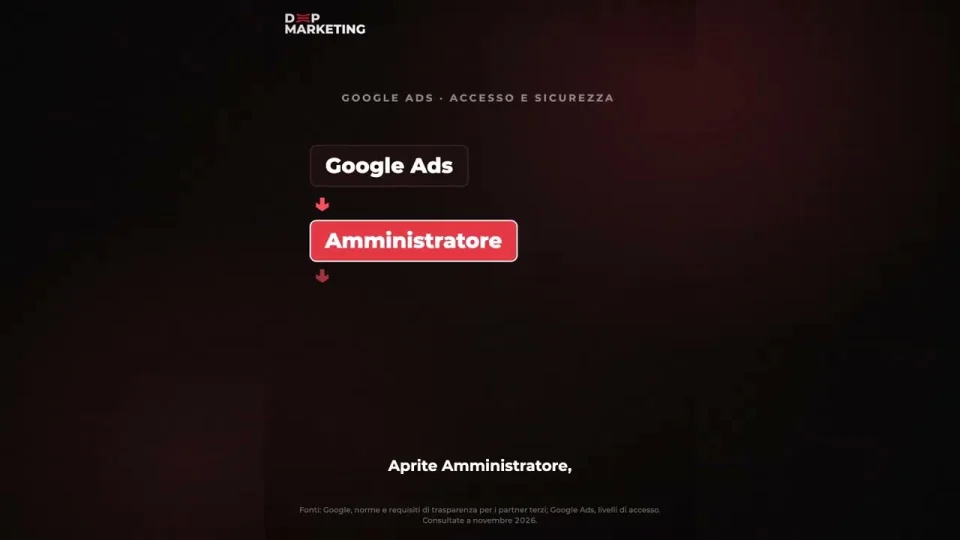
The video transcript
Google Ads agency: the day you change it, the agency may tell you “the account is ours”. Campaigns, conversions and the lists of people who visited your website stay with them, and you start again from zero.
Five minutes are enough to avoid it. In Google Ads open the Admin menu, then Access and security. In the Users tab your email must have the Admin access level. In the Managers tab you see the linked agencies and can unlink them whenever you want. The payments profile must carry your company’s VAT number.
If the agency opened the account, ask for the customer ID, because Google’s third-party partner policy (2026) requires the agency to give it to you.
At Deep Marketing we always work in the client’s account, so you can change agency without losing anything.
